Should you build your own agency management system?
September 2026 · 8 min read · Updated September 8
The short answer
We do not recommend it. If you feel you must, start small and be clear about what you are taking on. Build only what you can afford to lose. Buy the things a client could sue you over.
If you are going to build anyway, three questions first:
- If it broke, could you replace it in a weekend?
- Does a client’s coverage depend on it?
- Does it hold data a client could sue you over? Social Security numbers, dates of birth, driver’s licenses.
Yes, no, no: it is safe to build, and it will stay small. Anything else, and the rest of this article is about why the big version turns into an errors and omissions problem.
Why is everyone asking this now?
Two things changed at once. AI coding tools like Claude Code, Cursor, and Lovable made it realistic for a non-developer to stand up a working system in a weekend instead of a year. And the existing agency management systems kept charging per seat, so buying one started to feel like a penalty for hiring. In agent Facebook groups, the answer to “what AMS should I use” is increasingly “I built my own.”
That is a signal about the category, not a shortcut. An owner who built their own system looked at what was for sale and decided none of it fit. We agree with them more than they might expect. The question is not whether you can build it. Plenty of agencies have. The question is which parts you should own forever.
What is an agency management system, actually?
If you are not an engineer, a software product looks like two things: the screens you click on and the database behind them. A front end and a back end. That is the part a demo shows, and it is the part a weekend with an AI tool produces. Everything that makes it safe to run an agency on sits underneath, and almost none of it is visible.
What the demo shows
A form, a list, and a dashboard.
What runs an agency on it
Sorted into layers, a real system has six. Here is where a homegrown build usually lands on each one.
| Layer | What it is | Building it yourself |
|---|---|---|
| 1. Screens | Forms, lists, dashboards | Easy. AI coding tools are good at this. |
| 2. Storing data | Book of business, client records | Easy. Airtable, a spreadsheet, a database. |
| 3. Rules and workflows | Renewals, tasks, reminders, commissions | Harder. Usually partly done. |
| 4. Carrier connections | Downloads, appetite data, quoting feeds | The wall. Data relationships, not code. |
| 5. Security and compliance | Client PII, access control, audit trail | Invisible until it is not. |
| 6. Keeping it alive | Updates, breakages, the person who built it leaving | Never ends. On top of running an agency. |
Most homegrown systems cover the first two rows and part of the third. That is a real achievement, and nobody should talk you out of being proud of it. It is also the easy half. A vendor’s whole job is rows four through six, which is why a product that looks like a form and a list costs what it does, and why the one you built for free is not the same thing.
If you build anyway, what is safe to build?
Only things that pass the three questions at the top. An intake form on your website that emails you the answers. A renewal reminder list you check against the carrier’s own notice, so the carrier is still the system of record. A commission tracker for your own producers. A list of carrier reps and their phone numbers. Each of those could be rebuilt in a weekend, none of them decides whether a client is covered, and none of them needs a Social Security number.
Small also means being clear with yourself about what it is: a tool you use, not the place the truth lives. The moment a homegrown system becomes the only record of what a client has, or the only thing that knows a renewal is coming, it has crossed into the rows you do not want to own.
What should you not build?
Carrier connections, first. Automated downloads, live appetite data, and quoting feeds are not a coding problem. They depend on relationships with carriers that take an ongoing operation to keep current. Here is how that fails in practice. A carrier changes its download format in March. Nothing errors, because you never wrote the alert. The feed quietly stops matching policies. You find out in June, when a client calls about a renewal that never made it onto anyone’s list.
Which raises the question worth sitting with. If the system you built misses a renewal and the client has an uninsured loss, who is carrying that exposure? Every agency carries errors and omissions coverage for exactly this, and a claim against it is not an IT problem. A carrier feed that breaks silently, in a system nobody is paid to watch, is a claim waiting for a date.
Then anything holding client PII. Once Social Security numbers, dates of birth, and driver’s license data live in your build, you are the security team. Who can see what, what happens to access when a producer leaves, what the log says when a regulator asks. Nobody skips this on purpose. They skip it because the thing is running fine and they have an agency to run.
That last part is the real cost, and it behaves like deferred maintenance on a car. Skip an oil change and nothing happens. Skip enough of them and a simple job means pulling the engine apart. The difference is that a car has a warning light. Software you built yourself does not. You find out something is wrong when it stops working, and it is never at a convenient time.
What if you already built it?
Keep it. Nobody serious is going to ask you to throw away something that works. Put it on the table above instead. Most owners find their build fills rows one and two, part of row three, and nothing below. The empty rows are not a criticism. They are the map of what you are still doing by hand: the carrier portals in other tabs, the appetite guide in a PDF folder, the password spreadsheet, the renewal that lives in someone’s memory.
This is also why “I already have one” is usually a comparison between two different things. A vendor system is a dozen tools in one login. A homegrown system is one or two of them, plus the same dozen tabs everyone else has open.
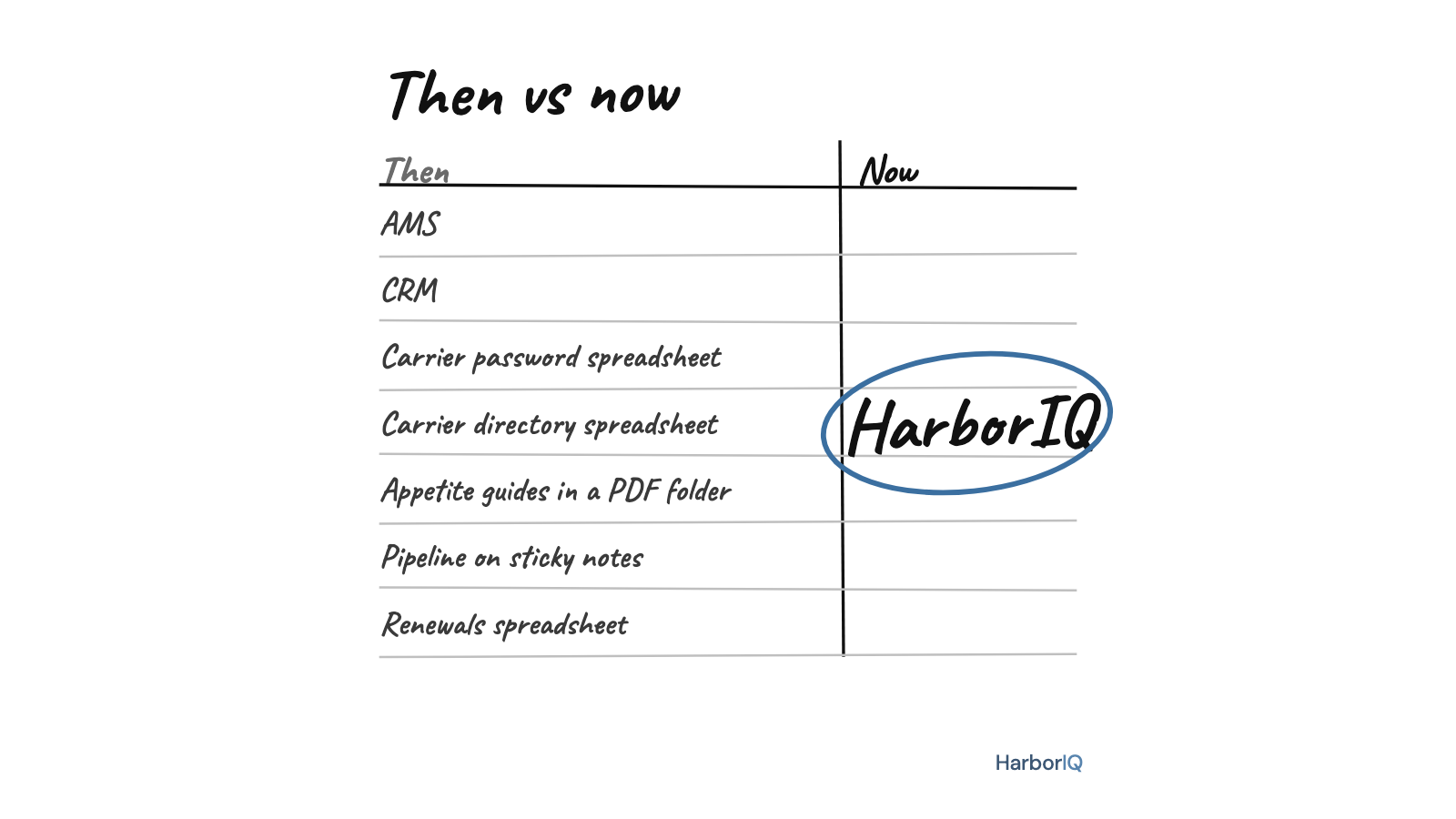
The rows a homegrown build skips are the ones that sit beside it, not underneath it. HarborIQ Markets is the carrier layer on its own: appetite and product guides your team can ask questions of, in plain English, with the page the answer came from, plus a carrier directory and a login vault. It runs next to whatever you built. Nothing to migrate, nothing to replace.
One more row to think about, because it comes up later than it should. If you ever sell the agency, a system that lives in one person’s head shows up in buyer diligence, usually as a discount. The fix is cheap and boring: write down what it does, where the data lives, and how to export it. Do that this month, not the month a letter of intent arrives.
If you must build, build small. Buy the layers a client could sue you over.
HarborIQ Markets is $199 a month for 1 to 15 people, self-serve, and sits alongside whatever your agency already runs. Priced by agency size, never per person.
Common questions
Should I build my own insurance agency management system?
We do not recommend it. If you feel you must, keep it small: a tool you could replace in a weekend, that no client’s coverage depends on, and that holds no data a client could sue you over. A full system of record that holds client PII and tracks renewals is not, because a quiet failure there becomes an E&O claim, and someone has to maintain it for as long as the agency exists.
What is the hardest part to build yourself?
Carrier connections, then security. Downloads, live appetite data, and quoting feeds depend on data relationships with carriers that take an ongoing operation to maintain, not code. Security means access control and an audit trail for Social Security numbers, dates of birth, and driver’s license data, and most homegrown systems were not built with that as a requirement.
Can I use HarborIQ if I already built my own system?
Yes. HarborIQ Markets sits alongside a homegrown system rather than replacing it. It adds the carrier layer most builds do not have: appetite and product guides you can ask questions of, with the page the answer came from, plus a carrier directory and login vault. $199 a month for 1 to 15 people, self-serve, nothing to migrate.
Does a homegrown system matter if I sell the agency?
Yes. A system that lives in one person’s head, undocumented, comes up in buyer diligence and usually as a discount. Documenting what it does, where the data lives, and how to export it is the cheapest fix, and it is worth doing long before a sale is on the table.